
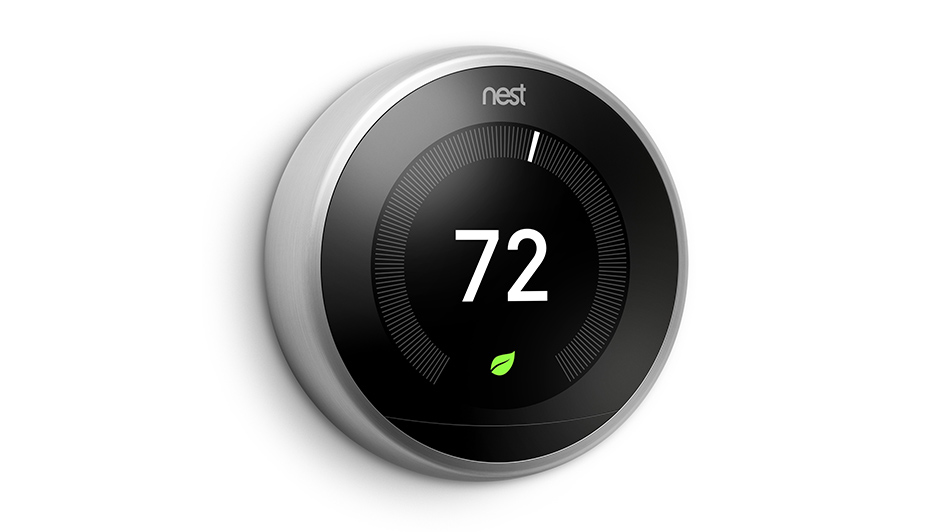
Using a Nest thermostat is one of the best ways to optimize the everyday schedule of your HVAC system. This smart thermostat can learn your preferences and automatically make changes. But as you can expect, it won’t work properly or at all if you see an error code show up. The exact error code provides useful information about the source of the problem, something a professional technician can use to present solutions that much quicker.
Here are seven of the most common error codes you could encounter on your Nest thermostat. We’ll review the basics of each error code as well as how you can fix it and the projected cost to do so. Keep in mind that while the investment will ultimately depend on the specific Nest model, you can anticipate paying between $75-$200 for repairs. This should also cover travel and labor costs as well as any specific components required to complete repairs.
e298 – Critical
This critical error code is limited to newer models of the Nest thermostat and shows up when the power is detached from the system. As this is a critical power error, the thermostat will change to the backup battery system. The error message will remain on display until the issue is dealt with.
Losing power to your Nest thermostat can be for several reasons. The wiring might have disconnected or become damaged, or a disconnection could have happened further along in your electrical system. This may be the circuit breaker, fuse box or system switch. A knowledgeable technician can examine electrical connections and wiring until they uncover the root of the problem.
e294 – Critical
Critical error code e294 shows up when your Nest thermostat’s wiring should be reconfigured. More specifically, the technician will need to reconfigure the R wire. They’ll first complete a factory reset of your thermostat to make sure it’s not just a software issue. If that doesn’t work, they’ll review the wiring diagram of the thermostat and begin checking connectors.
They’ll detach the power and progressively check each wire, making sure they are fully inserted into the connector with the proper amount of exposed copper. After they find the damaged connector, it can be swapped for a new one.
e195 – Critical
This critical error code can show up when the weather outside is severely hot. The HVAC system can break down and stop giving power to your Nest thermostat. When this problem lingers, the backup battery in your thermostat depletes and the thermostat will finally power down. In the event the breakers are on, you can examine a few other places before consulting a professional technician.
As this error can consume your thermostat’s battery, the first step could be providing enough power to figure out if this specific error code is what you’re dealing with. You can disconnect the thermostat from its base and provide power by using a USB cable. If it displays error code 195, you may continue to visually inspect components such as the wiring as well as your air conditioner’s air filter or drainage system. If you don’t uncover anything wrong with these components, it will probably be best to contact a pro.
e103 – Critical
Another critical error code, e103 suggests an electrical error with your Nest thermostat. More specifically, e103 will refer to an overcurrent problem, which means the wiring is receiving more power than what is safe and normal. This will sometimes stem from the breaker box, an error from the control board or because of a defective connection in the thermostat. A technician should carefully examine and test the Nest’s electrical system to determine where the power is surging or why the thermostat is convinced there’s an overcurrent problem.
n260
Although this error code isn’t critical, it could still prevent you from using the Nest thermostat like normal. Error code n260 pertains to the lack of a C wire or Nest Power Connector, as not having one can block your Nest from obtaining enough power. You can check the Nest’s C connector for the presence of a C wire and modify the wiring itself if there is. If not, you can get a Nest Power Connector.
With installation of a Nest Power Connector, you will sometimes notice error code E297 appear. This can be resolved by updating your thermostat in Settings -> Software -> Update. If the Power Connector was already installed, you’ll instead be required to update the wiring info in the app from Settings -> Thermostat -> Wiring -> Update wiring.
e104 – Critical
Like error code e103, e104 is a critical error that’s the result of an overcurrent. If excess power is transported using the Nest’s wiring, it can damage internal components and may even be a fire hazard. If you notice this error code appear on your Nest thermostat and want to take steps to prevent electrical damage, it’s suggested to switch the power off as soon as possible. You can then get in touch with a professional technician with the proper experience diagnosing and fixing electrical damage.
e73 – Critical
When your thermostat displays error code e73, it means that the Rc wire is not getting power.
This will sometimes be as easy as the breaker being switched off, but it may also be a problem with the wiring. After shutting off the power to your HVAC system and thermostat, you can visually check the wires to make sure they’re not loose or damaged. If nothing appears to be out of place, it’s a good idea to speak with a local professional.